
Installation Instructions
Follow these simple steps to measure, order, and install your Central Texas Filter Service air filter system.
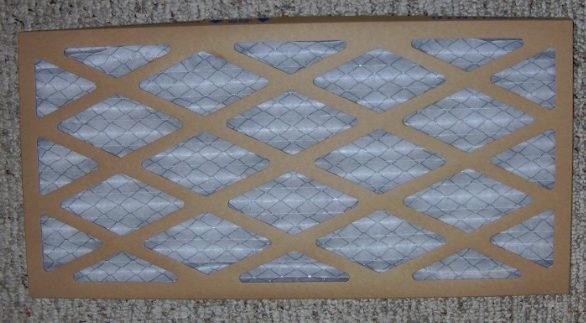
Measure Your Opening
Measure the height and width of your HVAC return air opening in inches. Round to the nearest 1/4 inch. Write down both measurements — you will need them to order the correct frame size.
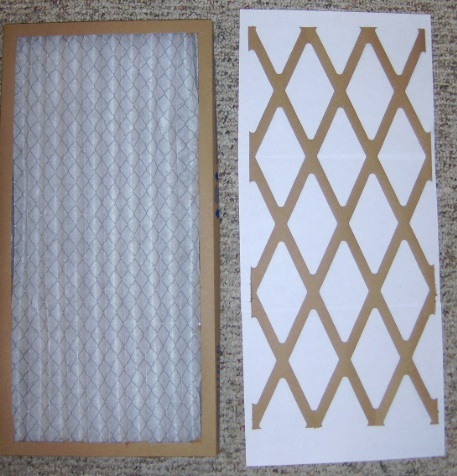
Order Your Frame & Filter
Contact us with your measurements. We will custom-size your metal frame and include the appropriate filter media. Your frame is a one-time purchase — after that, you only order replacement media.
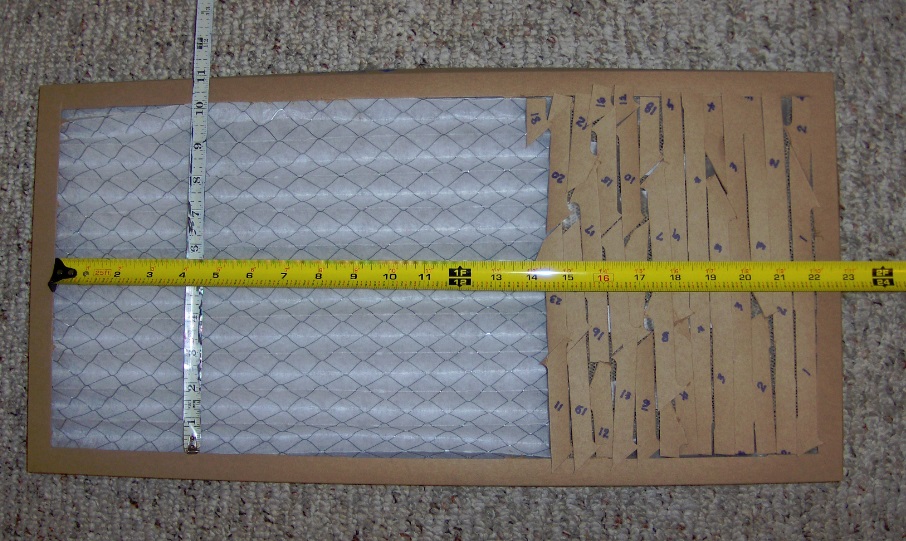
Install the Frame
Slide the metal frame into your return air opening. The frame is designed to fit snugly. Ensure it is seated flat against the opening with no gaps around the edges.
Insert the Filter Media
Place the filter cloth into the metal frame. The media should lay flat and cover the entire opening. Replace the media on your scheduled service interval for optimal performance.
Need Help? We’re Here.
If you have questions about measuring or ordering, contact us and we’ll walk you through it.